My Auto Delivery payment failed. What happens now?Updated a month ago
If your Auto Delivery payment fails, your order is placed on hold, not cancelled. Simply update your payment method and we'll automatically process your order using the new payment details. Your subscription remains active.
To update your payment method:
Log in to your account at vetslovepets.com.au/account.
Open Auto Delivery.
.png)
Scroll down and find Payment Details then select Update to update your card or PayPal details.
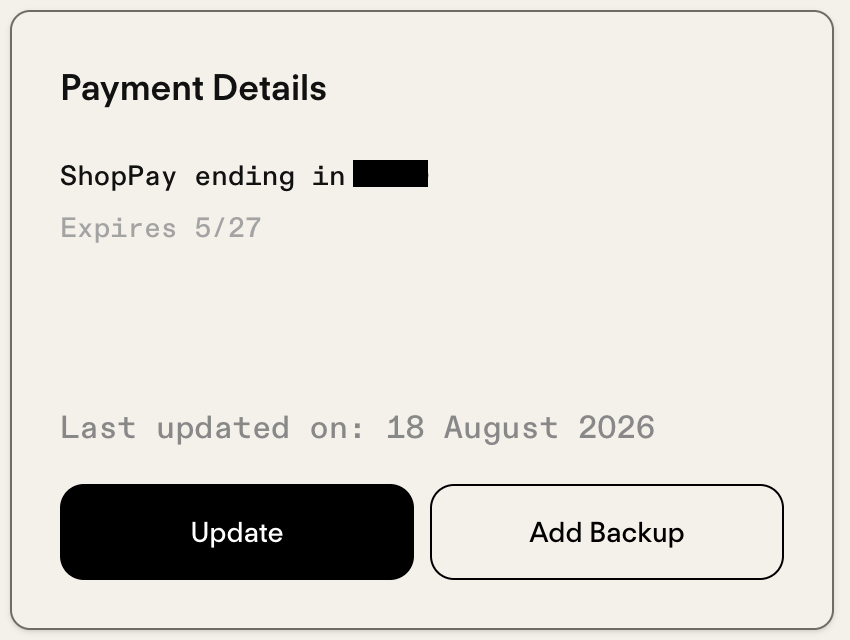
Once your payment is successful, your order will be processed and shipped automatically.
Why did my payment fail?
Common reasons include:
- Your card has expired.
- Your bank has issued you a new card with a different card number.
- There were insufficient funds when the payment was attempted.
Will my Auto Delivery schedule change?
No. Your subscription remains active. However, your current order will stay on hold until payment is successful, which may delay that delivery if the payment is updated after the scheduled processing date.
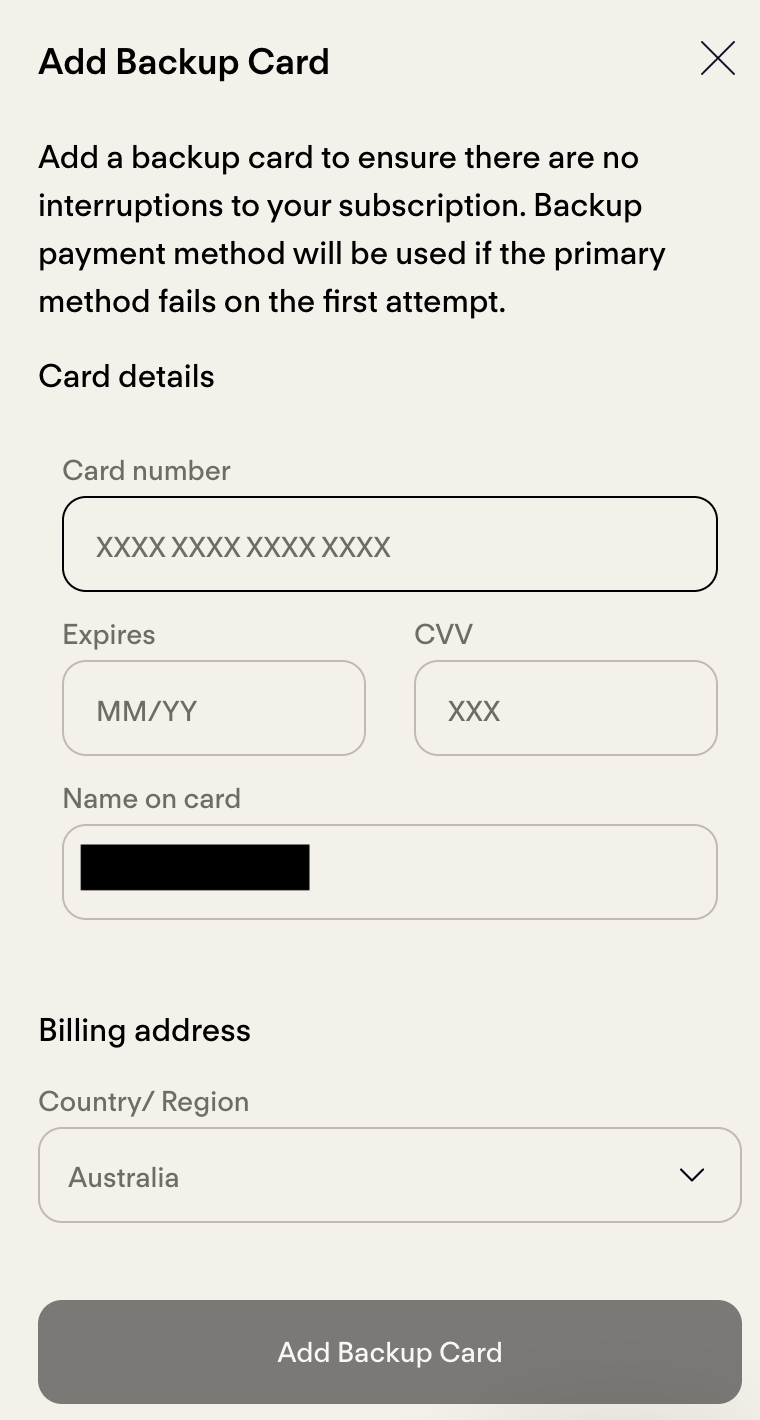
Can I add a backup payment method?
Yes. Adding a backup payment method can help prevent future payment failures.
- Open Auto Delivery in your account.
- You'll be redirected to Loop, our Auto Delivery portal.
- Scroll down and find Payment Details.
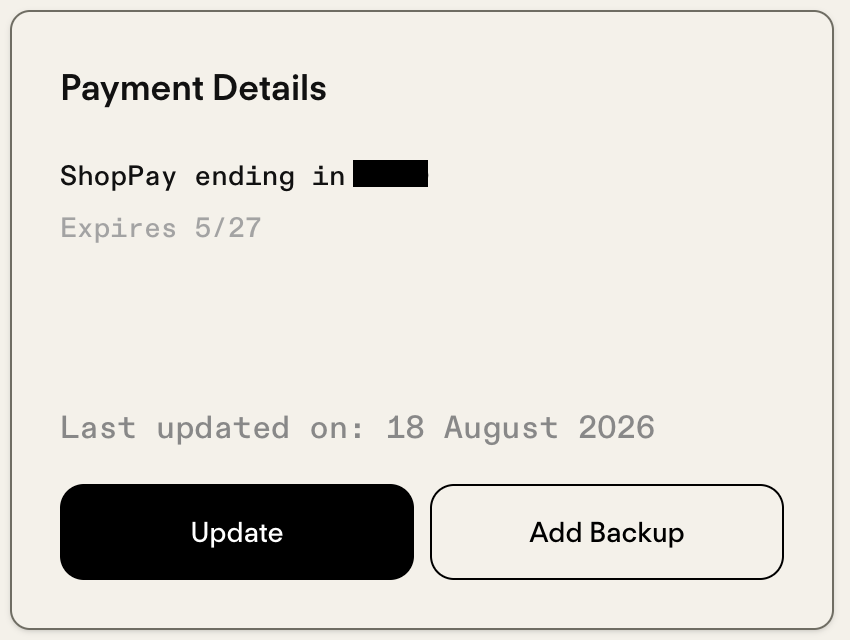
- Select Add Backup and add your additional payment method.