
How do I update, swap or remove products in my Auto Delivery?Updated a month ago
You can update, swap or remove products in your Auto Delivery at any time from your account. Any changes you make will apply to your next scheduled order, provided it hasn't already been processed.
To change your products:
- Log in to your account at vetslovepets.com.au/account and open Auto Delivery.
.png)
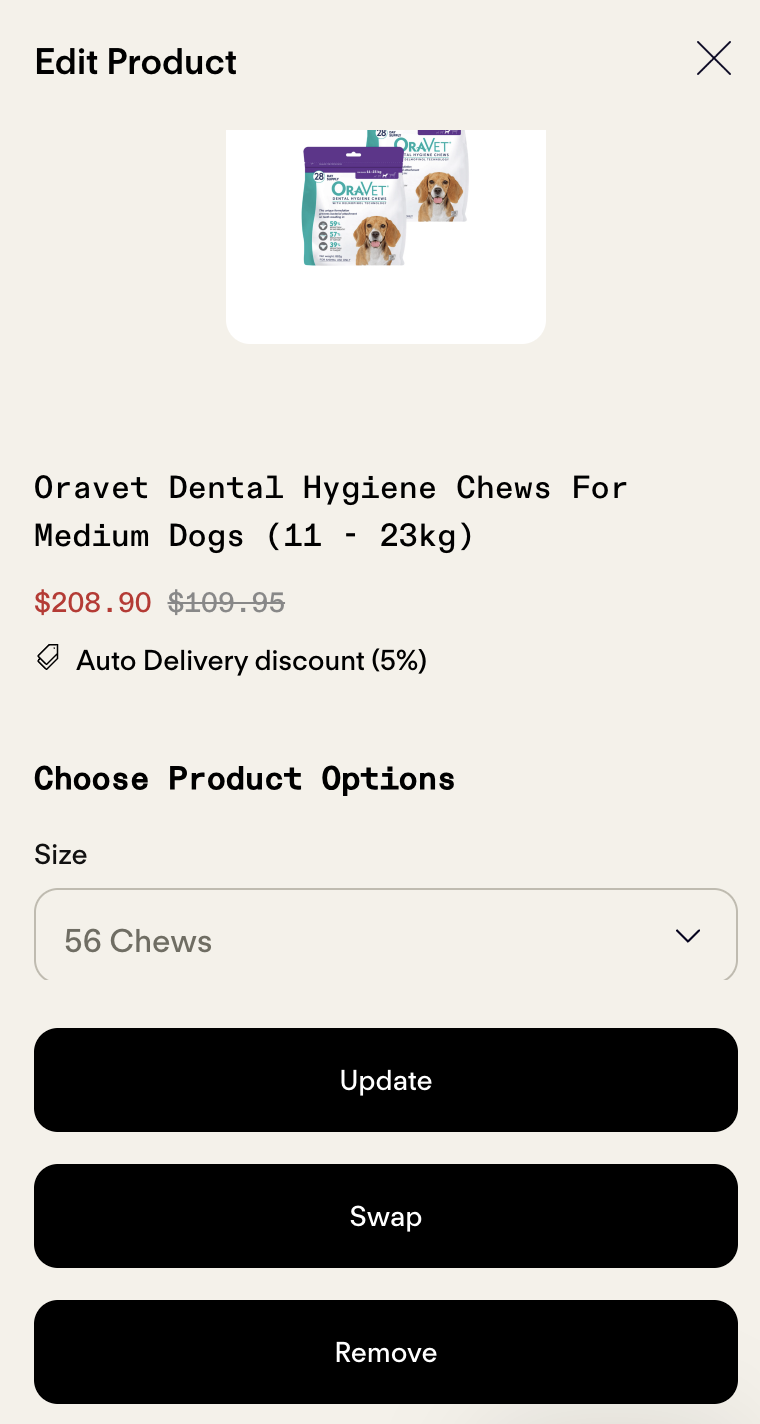
- Find the product you want to change and select Edit.
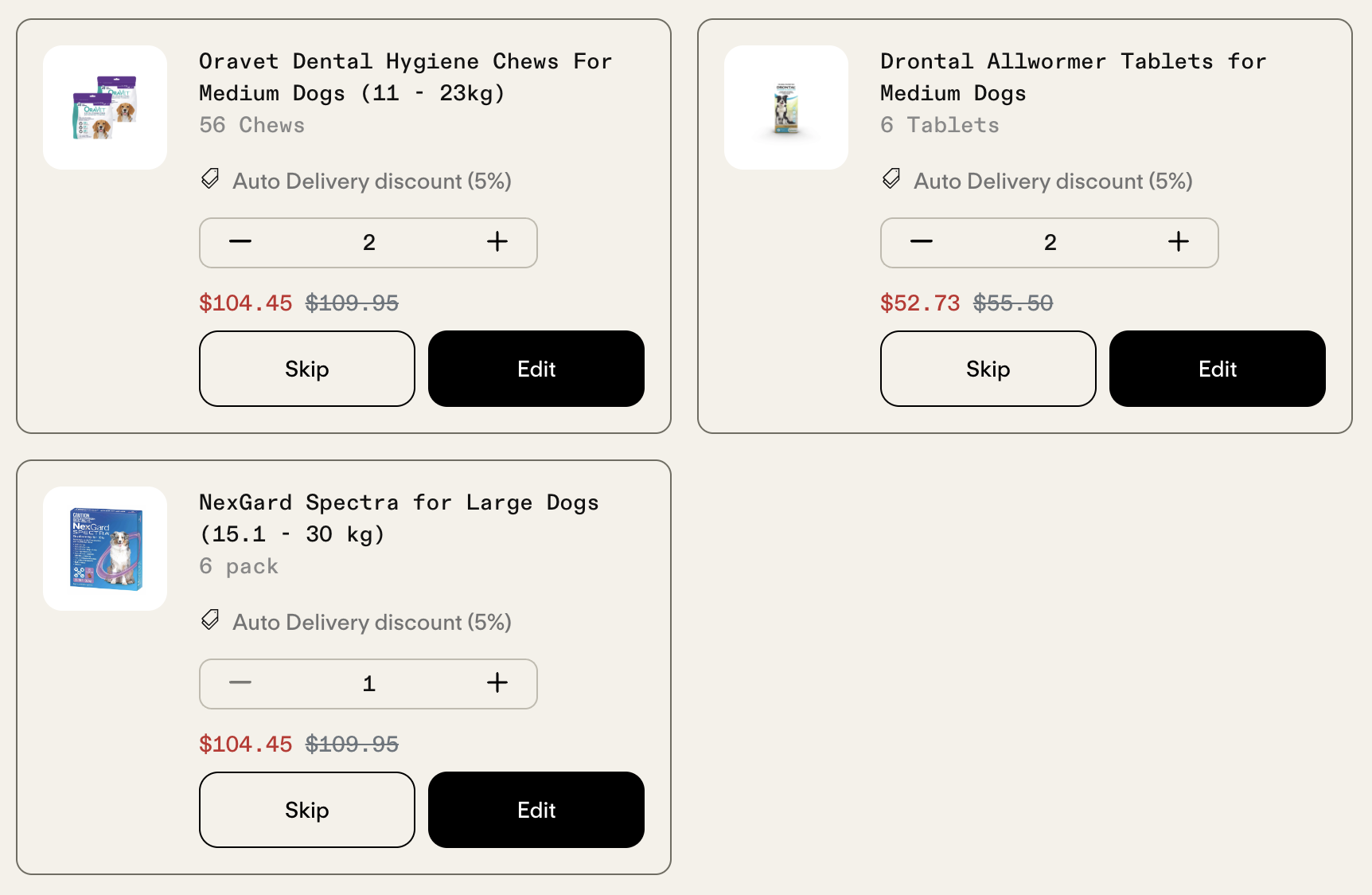
- You can change its size or quantity, swap the product, or remove it from your Auto Delivery.
When do my changes take effect?
Changes are included in your next Auto Delivery order, as long as they're made before the order is processed and charged. Once your next order has been confirmed, it can no longer be changed.