
How do I place an order online?Updated a month ago
Place an order online by finding the product you want to purchase, then choose One-time Purchase or Auto Delivery, add it to your cart, and complete checkout with your delivery and payment details.
Step-by-step:
1. Find your product. Select the magnifying glass icon at the top right of any page and use the search bar or browse by category.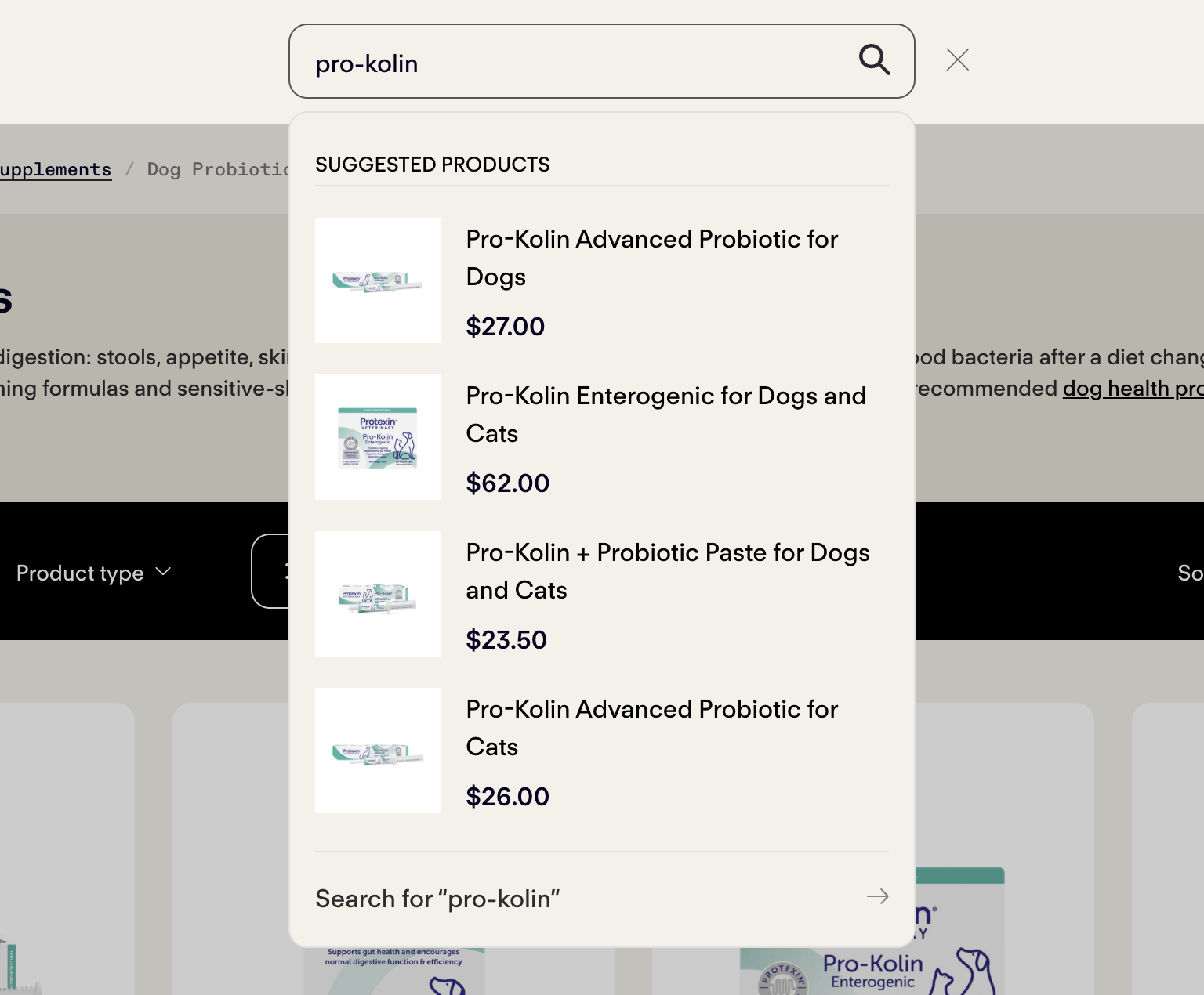
2. Choose how to buy. On the product page, select One-time Purchase or Auto Delivery to receive regular deliveries and save 5%.
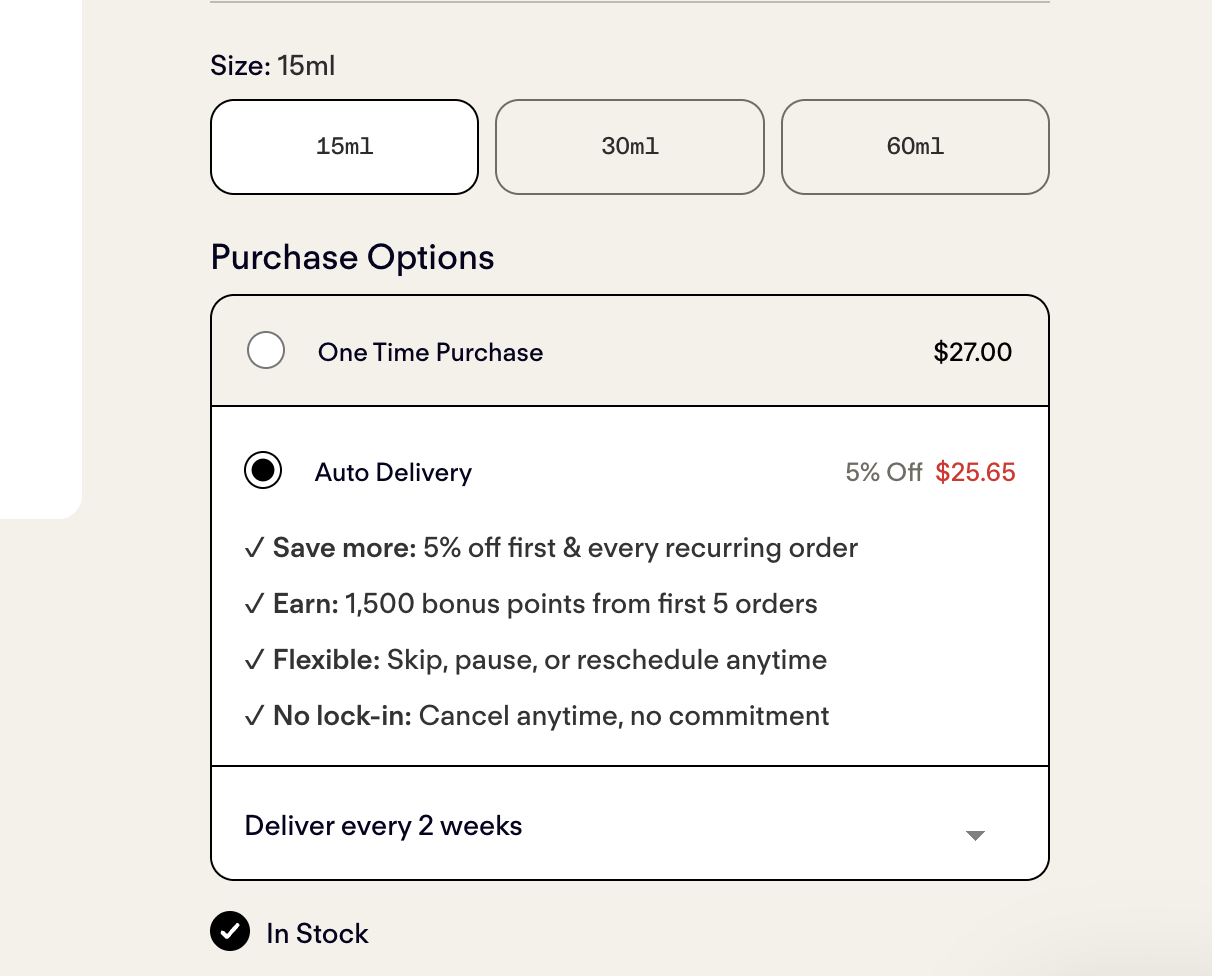
3. Add to cart. Select Add to Cart. You can continue shopping or proceed to checkout.
.png)
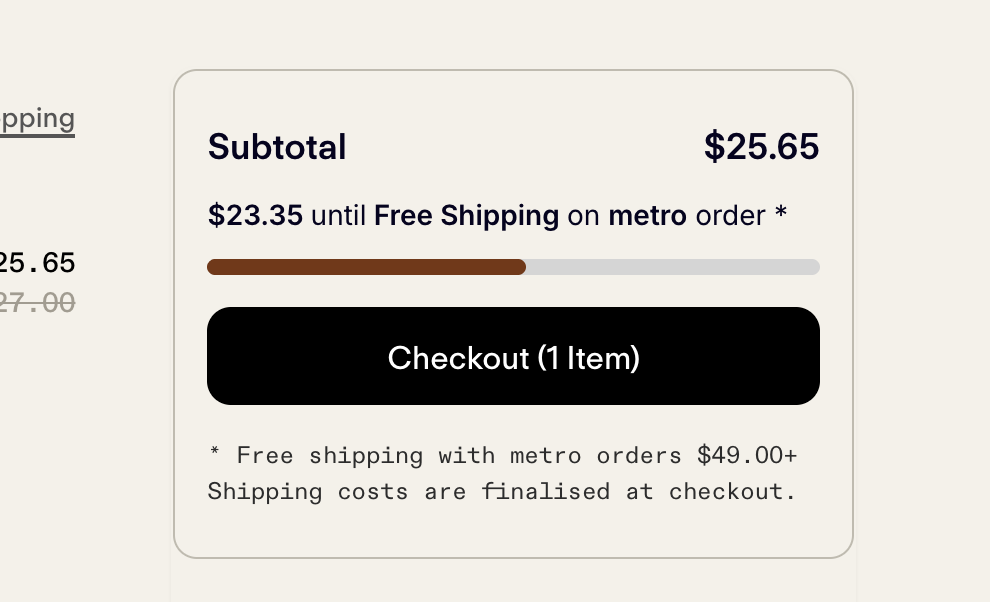
4. Complete checkout. Select the cart icon on the top right, then Checkout. Enter your delivery address and payment details, then review your order before confirming.
 5. Check your email. You'll receive an order confirmation immediately, followed by a shipping confirmation with tracking once your order has been dispatched.
Prefer to order by phone? Give us a call and we'll place the order with you.